
A custody system for physical books.
Now on the App Store · iPhone & iPadA local-first, books-only catalog for people who own and care for a collection. Your library lives on your device — no account, no feed, no cloud.
What it looks like
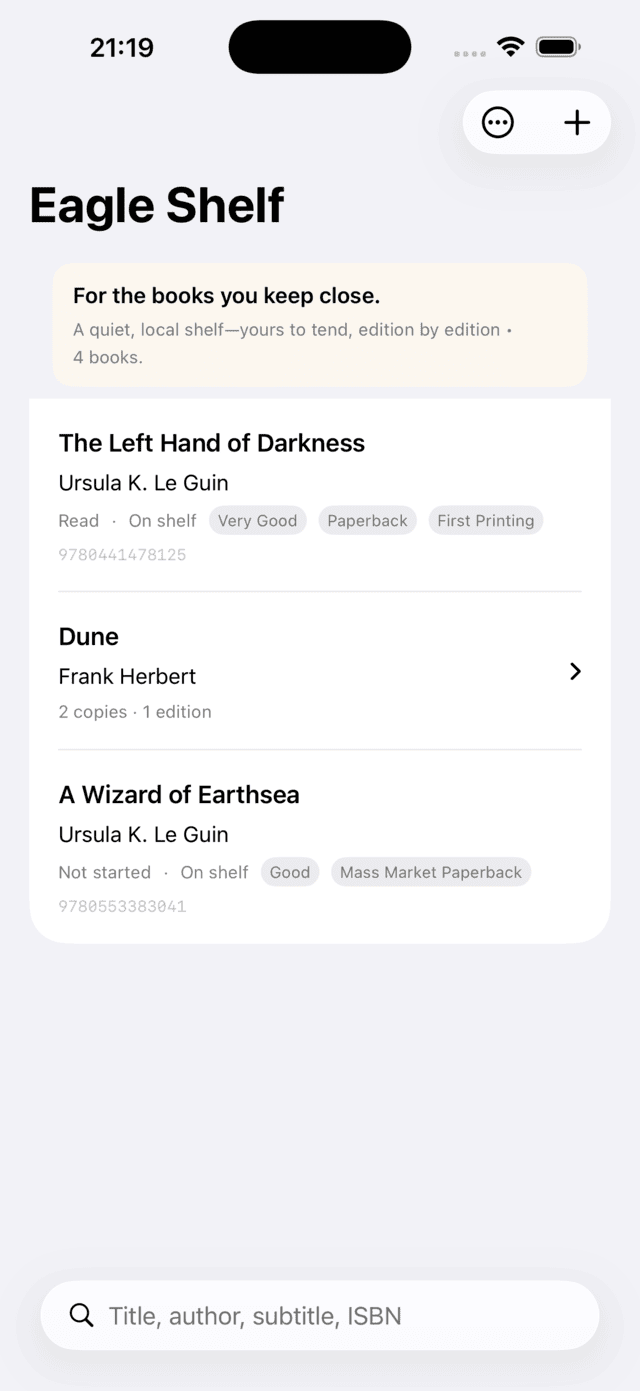
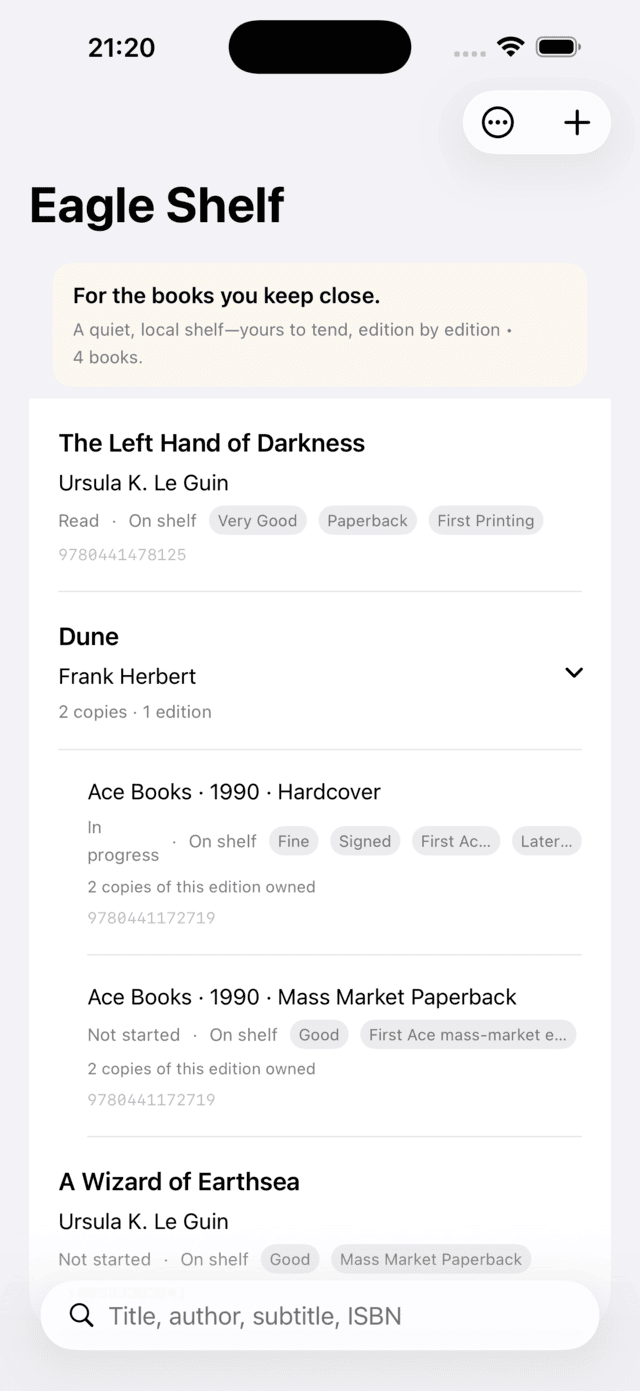
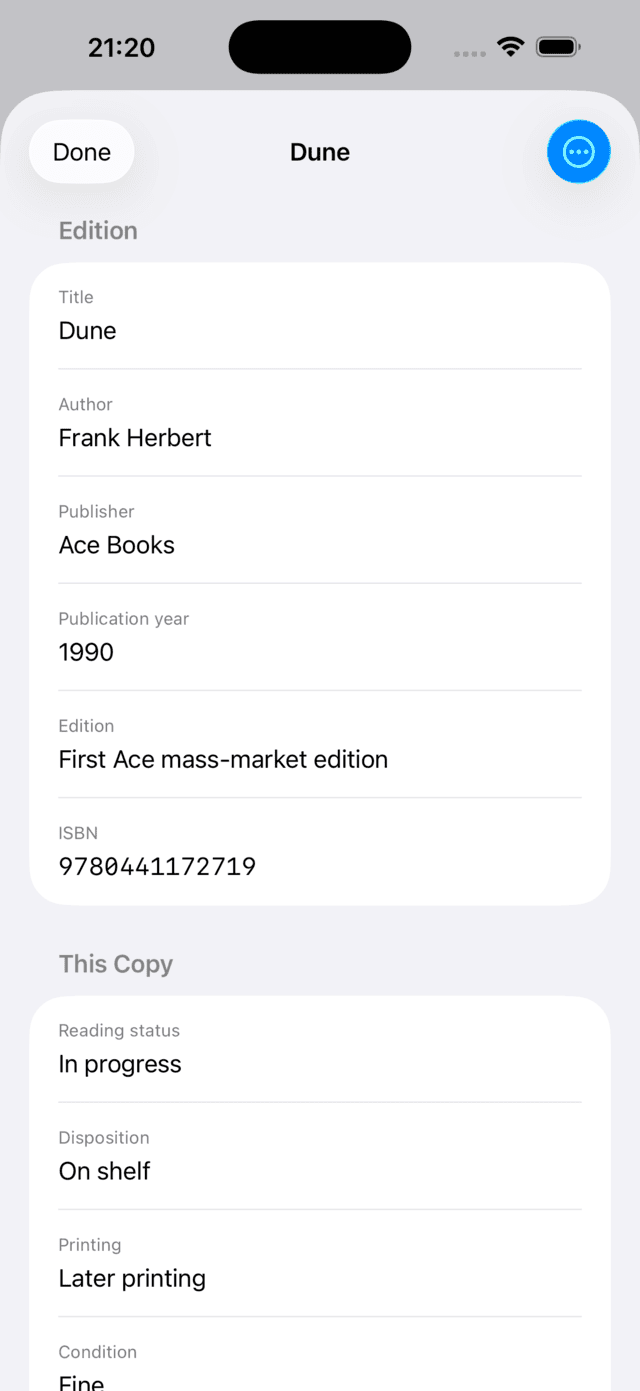
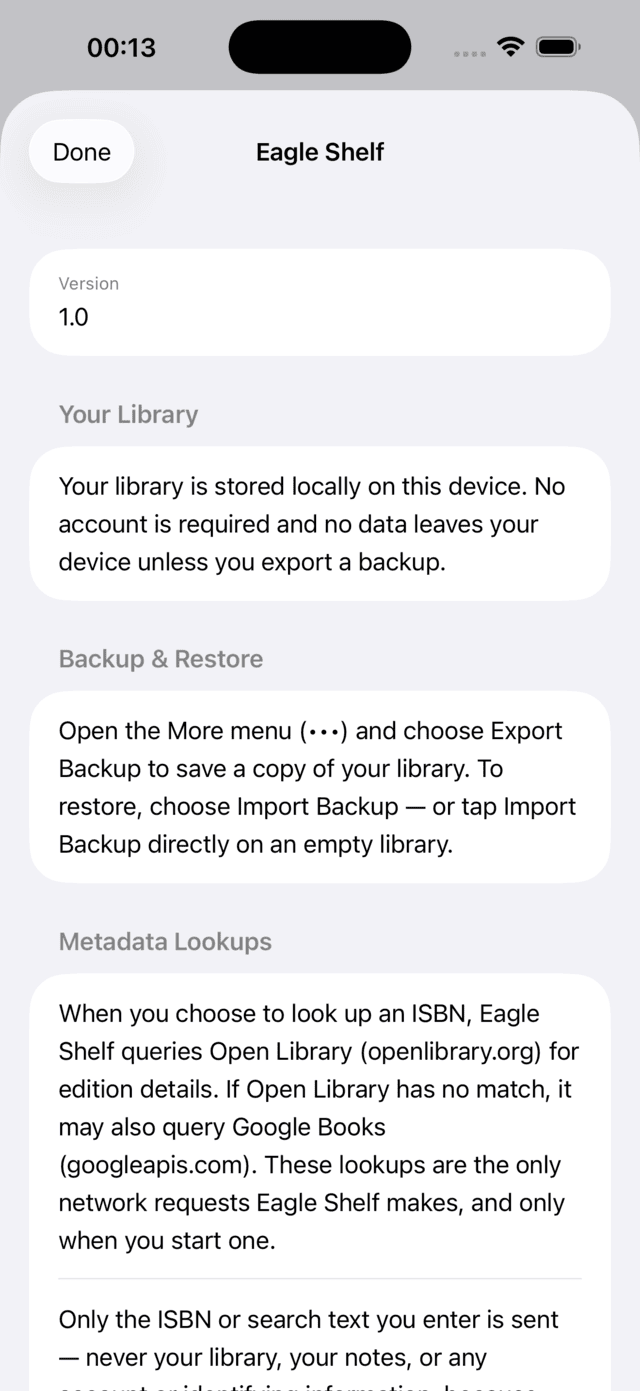
Screens from the shipping app on iPhone. The library shown is sample data.
What Eagle Shelf is
Eagle Shelf helps you keep an accurate, private record of the books you physically own. It treats your collection as something to be stewarded — distinguishing the edition of a book from the specific copy you hold, with its own condition, location, and notes.
Local-first
Your library is stored on your device. No account required.
Books-only
A focused tool for physical books — not a do-everything app.
Editions & copies
Catalog the edition and the individual owned copy separately.
Collector-oriented
Built around ownership and stewardship, not status updates.
How adding a book works
You stay in control of every entry. Eagle Shelf offers several ways to add a book, and always includes a review step before anything is saved:
- Manual entry — type the title, author, ISBN, and other details yourself.
- ISBN scan — use the camera on supported devices to read an ISBN barcode into the form.
- Metadata lookup — optionally fetch details after entering or scanning an ISBN (requires a network connection).
- Copyright-page scan — use on-device OCR to suggest edition-related details from a photographed copyright page.
Scanning and lookup are assistive, not automatic identification. Suggested ISBN, edition, and printing values are always presented for your confirmation before they are saved.
What Eagle Shelf is not
- No account and no sign-in.
- No social feed, followers, or sharing layer.
- No reading-recommendation engine.
- No cloud-first storage and no subscription.
Backups are user-controlled files you export and import yourself. See the Privacy Policy for the full picture.
Get Eagle Shelf
Eagle Shelf is available on the App Store for iPhone and iPad. It is a one-time purchase — no subscription, no account, and no ads.